
How to make a GST invoice, step by step
How to fill in a GST tax invoice with any tool, a worked example with the CGST and SGST split, and the same steps in InvoiceKaro, as of November 2026.
In this article
A buyer wants a GST bill, the goods are packed, and you are not sure what has to be on it. Here is how to make one with any tool, a worked example, and the same steps in InvoiceKaro.
What a tax invoice must contain
Rule 46 of the CGST Rules sets out the contents. As of November 2026 they include your GSTIN, an invoice number of up to 16 characters that is unique in the financial year, the buyer's details, HSN or SAC codes where your turnover requires them, the taxable value, the tax split by head, and a signature. The GST invoice format guide goes through every field, including the extra details for unregistered buyers, so this article concentrates on filling one in.
Make a GST invoice in eight steps, with any tool
- 1Check your name, address and GSTIN against your registration.
- 2Take the next number in this financial year's series (April to March). Never use a number twice in the same year. See GST invoice numbering rules.
- 3Date it on time. For goods, issue the invoice before or at the time of removal or delivery. For services, issue it within 30 days of the supply (45 days for banks, insurers and other financial institutions, including NBFCs). See when a GST invoice must be issued.
- 4Fill in the buyer. Copy the GSTIN from their purchase order or letterhead, not from memory.
- 5Choose the tax type. If your location and the place of supply are in the same State, charge CGST and SGST. If they are in different States, charge IGST. Exports and supplies to SEZ units are always IGST. See CGST, SGST and IGST explained.
- 6One line per item: description, HSN or SAC, quantity, unit, rate and discount. The number of HSN digits depends on your turnover; see the questions below and HSN and SAC codes.
- 7Work out the tax. Multiply each taxable value by the rate that applies to your item, show each tax amount, and add up.
- 8Add a due date and your bank or UPI details, then sign, send and keep a copy. Records must be kept until 72 months after the due date of that year's annual return, and longer if they relate to an appeal or investigation.
Worked example: a sale within your State
Say your shop is in Pune and you sell Item A and Item B to a registered contractor, with the place of supply in Maharashtra. 18% is the rate that applies in this example, and Item B has a 5% discount.
| Line | Quantity × rate | Discount | Taxable value |
|---|---|---|---|
| Item A | 20 × ₹450 = ₹9,000 | None | ₹9,000.00 |
| Item B | 4 × ₹1,250 = ₹5,000 | 5% = ₹250 | ₹4,750.00 |
| Taxable value | ₹13,750.00 | ||
| CGST @ 9% | ₹1,237.50 | ||
| SGST @ 9% | ₹1,237.50 | ||
| Invoice total | ₹16,225.00 |
Total tax is ₹2,475. If the place of supply were in another State, say Karnataka, the invoice would show one line of IGST @ 18% for ₹2,475 instead, and the total would stay ₹16,225.
The same invoice in InvoiceKaro
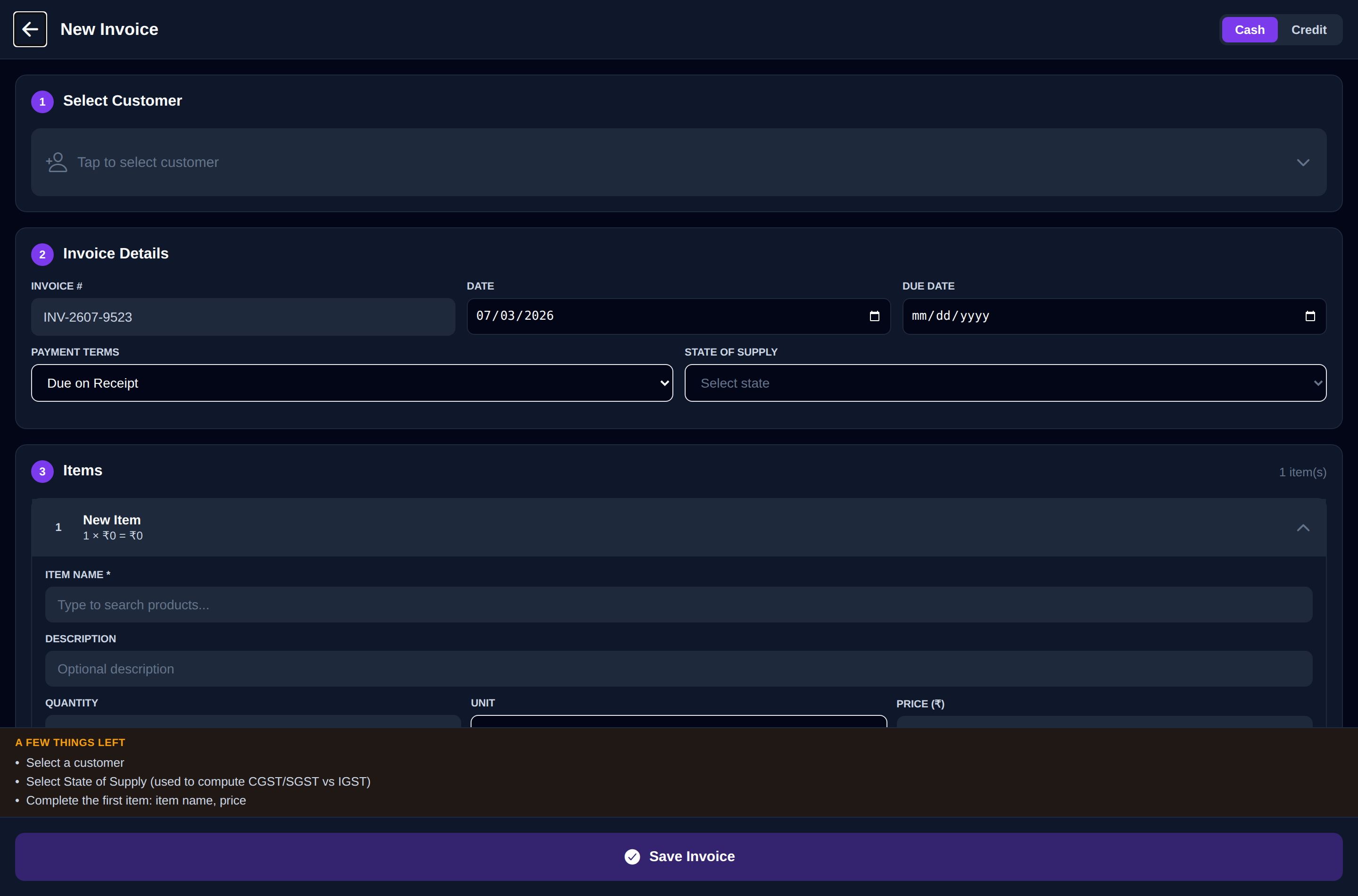
- 1Click New Invoice in the top bar. On a phone, tap Invoice on the floating Quick Bill | Invoice button.
- 2Under Bill to, use Select or search customer or + New customer. Check the GSTIN box and the Place of supply, which fills in from the customer's state.
- 3Leave Invoice # blank to take the next number, such as
INV-2026-0030, and set the Invoice date, Payment terms and Due date. - 4In Line items, pick from your catalogue or type an item, and fill in Qty, Rate, GST and, if you use one, HSN/SAC (4, 6 or 8 digits). On a computer, ⋯ on a line holds Unit and Discount %. Click Add item for more lines.
- 5Check the totals and the Live preview. The app shows Intra-state · CGST + SGST or Inter-state · IGST by comparing the place of supply with your business state. Invoice settings sets the design and what prints.
- 6Click Save draft to finish later, or Save & share. Send via Email sends the PDF with a link; if you print it or share the PDF yourself, use Mark as sent.
If you spot a mistake later
Fix mistakes while the invoice is a draft. After it is issued, the way the law gives to change value or tax is a credit note or debit note. InvoiceKaro does not issue credit or debit notes; it lets you cancel an unpaid issued invoice with a reason. See how to correct or cancel a GST invoice. The rules here are general information as of November 2026; confirm them with your accountant or the official sources below before you act.
Common questions
Can I make a GST invoice without GST registration?+
Is the HSN code mandatory on a GST invoice?+
How do I split GST into CGST and SGST?+
Official sources
This article is general information for small businesses, not tax or legal advice. Rules and rates change, so check the official source or ask your accountant before you act on it. InvoiceKaro does not file GST returns or generate e-invoices or e-way bills.