
Does a GST invoice need a signature or stamp?
When a GST invoice must be signed, the exception for electronic invoices, where digital signatures, e-invoices and rubber stamps fit, and how to add a signature.
In this article
A buyer's accounts team sends your invoice back with one line: "not signed". Or you email fifty PDF invoices a month and wonder whether each one needs a signature. Here is the short answer, then the details.
The short answer
As of November 2026, rule 46 of the CGST Rules lists the signature or digital signature of the supplier or their authorised representative as one of the contents of a tax invoice. A proviso added on 31 December 2018 removes that requirement for an electronic invoice issued under the Information Technology Act, 2000. The same applies to a bill of supply. The list of contents does not mention a rubber stamp or seal.
| Situation | What the rule says | What to do |
|---|---|---|
| Printed or handwritten invoice | Signature or digital signature needed | Sign it, yourself or through your authorised person. |
| Electronic invoice under the IT Act, 2000 | Signature not needed | Ask your accountant whether your invoices count (see below). If unsure, sign. |
| Bill of supply | Same as a tax invoice | Same as above. |
| Rubber stamp or company seal | Not in the list of contents | Use one if a buyer asks, but not in place of a signature. |
These are general rules; confirm your case with your accountant or the official source below before you act. For the other fields a tax invoice needs, see GST invoice format.
Does an emailed PDF count as an electronic invoice?
This is the question most small businesses actually have, and there is no clear official answer. The proviso does not define "electronic invoice", and we found no official guidance on whether a PDF made by billing software and sent by email or WhatsApp qualifies. So we will not tell you it does.
The practical way out is simple: a signature costs you almost nothing, so sign unless your accountant tells you otherwise. We also found no official guidance on whether a signature image printed on a PDF counts as a signature, so ask your accountant which form they want on emailed invoices.
Digital signatures, signature images and e-invoices
- A signature image is not a digital signature. A picture of your handwritten signature on a PDF is just a picture. A digital signature is applied to the file electronically and can be checked by software. If a buyer or your accountant asks specifically for a digitally signed invoice, a scanned signature will not do.
- E-invoices are a separate system. Businesses whose aggregate turnover exceeded ₹5 crore in any financial year from 2017-18 must issue e-invoices for supplies to registered businesses and for exports, with some sectors exempt. An e-invoice carries a QR code with its Invoice Reference Number (IRN). See e-invoicing: who needs it.
- Stamps are a custom, not a field. Some buyers still ask for a stamp next to the signature. Keep one handy for printed copies, but treat it as an extra.
Five habits for signing invoices
- Decide who signs. The owner, a partner or a named manager. Put their designation, such as Authorised Signatory, under the signature.
- Sign every printed copy in ink, in the same place, before it leaves the shop.
- Make a clean signature image. Sign in dark ink on white paper, photograph it in good light and crop it tight, so it prints sharply and not as a grey box.
- Guard the image file. Anyone with it can paste your signature on a document. Keep it in your billing tool, not in a shared WhatsApp group.
- Sign before you send, not after. An invoice sent back for a missing signature can delay payment by a whole payment cycle. See invoice mistakes that delay payment.
Adding your signature in InvoiceKaro
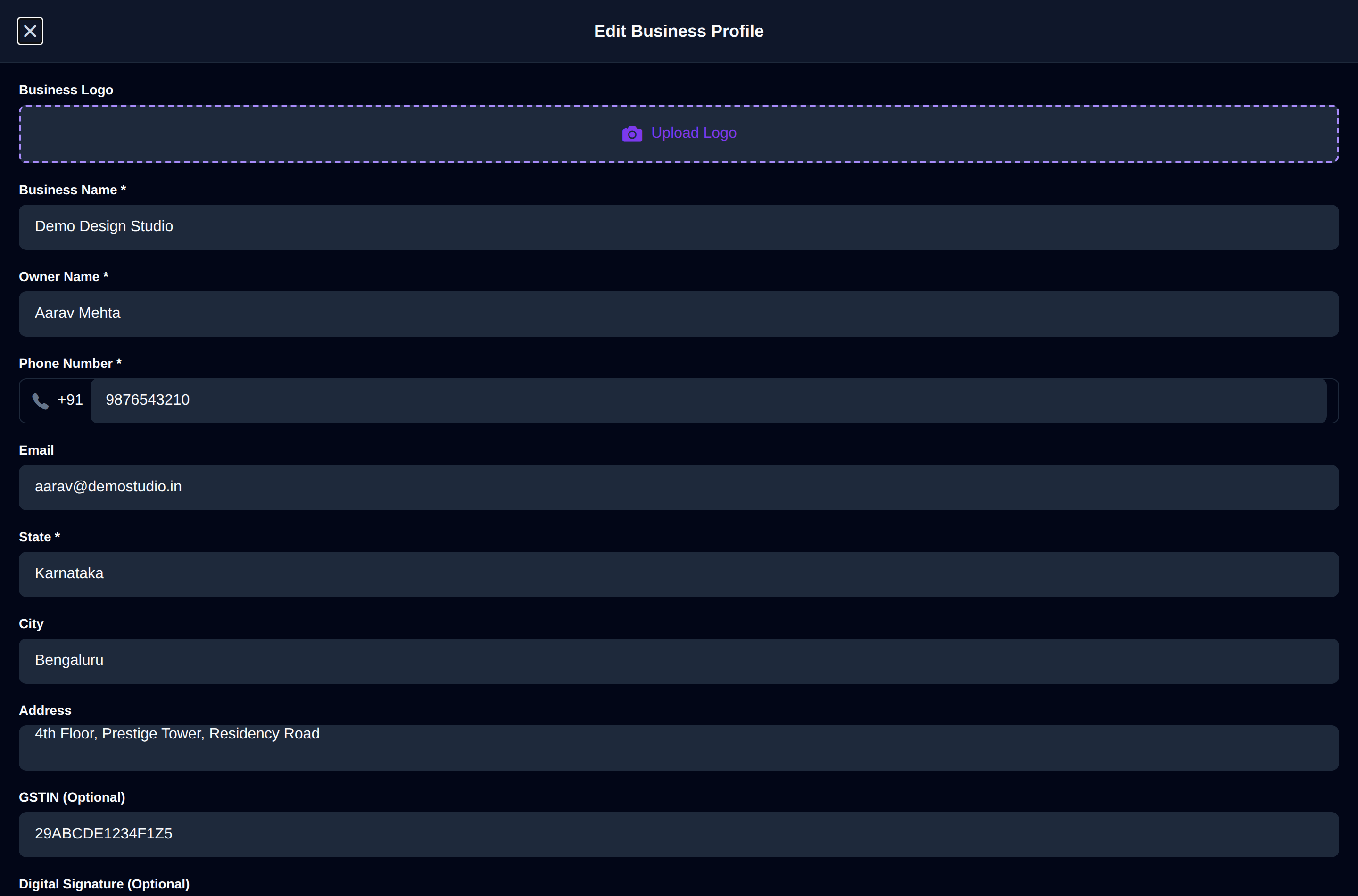
- 1On a computer, open Settings → Business profile and click Edit. On a phone, open More → Settings and tap Edit on the Business profile card.
- 2Under Logo & signature, upload a Signature image, then click Update profile.
- 3When you create an invoice, open Invoice settings and, under Display Options, switch Signature Field on or off for that invoice.
The signature prints above Authorised Signatory at the foot of the invoice. It is an image of your signature, not a digital signature, and InvoiceKaro does not decide whether your PDFs count as electronic invoices under the IT Act. InvoiceKaro also does not create e-invoices; if you need them, create them on the government portal. More in Business profile & branding.
Common questions
Is a signature mandatory on a GST invoice?+
Is a stamp required on a GST invoice?+
Does an emailed PDF invoice need a signature?+
Can I add my signature to invoices in InvoiceKaro?+
Official sources
This article is general information for small businesses, not tax or legal advice. Rules and rates change, so check the official source or ask your accountant before you act on it. InvoiceKaro does not file GST returns or generate e-invoices or e-way bills.