Creating an InvoiceKaro account takes less than a minute. You can sign up with your phone number, which gets a one-time passcode (OTP) on WhatsApp, or with your email address. Either way there's no password to remember.
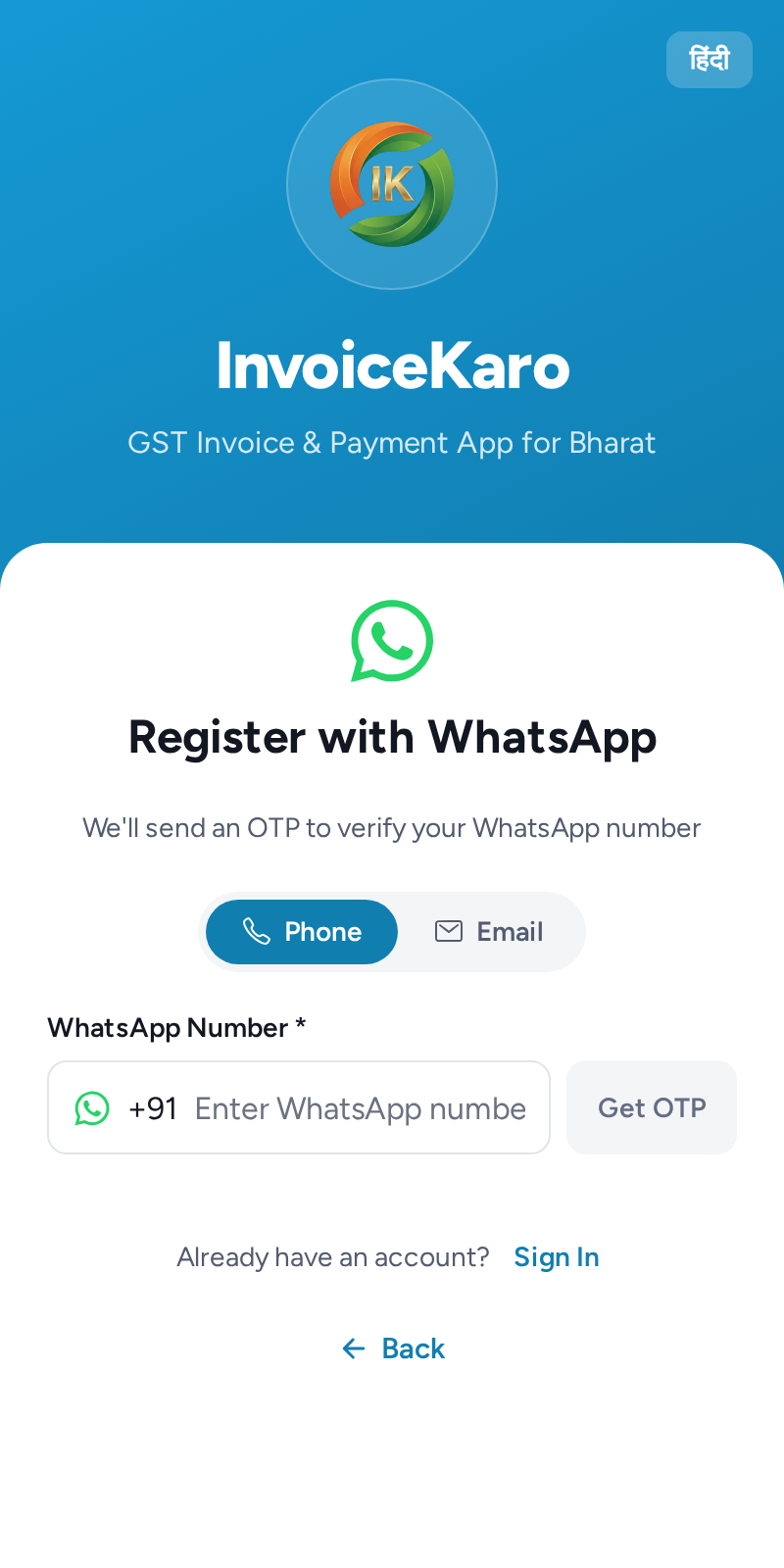
Sign up with phone or email
- 1Open invoicekaro.com/app and tap Register.
- 2Choose Phone or Email at the top of the form.
- 3Enter your 10-digit WhatsApp number (the +91 is already filled in) or your email address, and tap Get OTP. A 6-digit code arrives on WhatsApp or by email.
- 4Enter the code and tap Verify & Continue. The code is valid for 5 minutes. If it does not arrive, wait for the resend countdown, then choose the resend option.
- 5Add your Business Name, Owner Name and State, then choose Shop / Retail, Services / Projects, or Both and tap Complete Setup. City and address are optional here. Skip for Now lets you finish later; it keeps a business type you already selected, or keeps the existing computer menu and shortcuts if you did not. The phone uses four tabs either way. See Business type.
When you first land on the dashboard, a Welcome to InvoiceKaro checklist walks you through three steps: Add your business details, Add your first customer and Create your first invoice. Tap a step to open the right screen.
Your free trial
Every new account starts on a 14-day free trial, with no card needed. The trial plan covers 3 customers and 5 invoices a month.
- On a computer, the plan card at the bottom of the left menu shows your plan, the invoices used this month and the days left in your trial.
- On a phone, open More → Settings and look at the Plan & billing card. In the last five days your plan badge in the header also shows the days left.
- In the last three days, a banner reads Your free trial ends in N days and has a View plans button. You also get a reminder under the bell.
When the trial ends, upgrade to a paid plan to keep creating and sending invoices. Nothing is deleted: you can still sign in and see all your invoices, customers and settings.
Signing back in
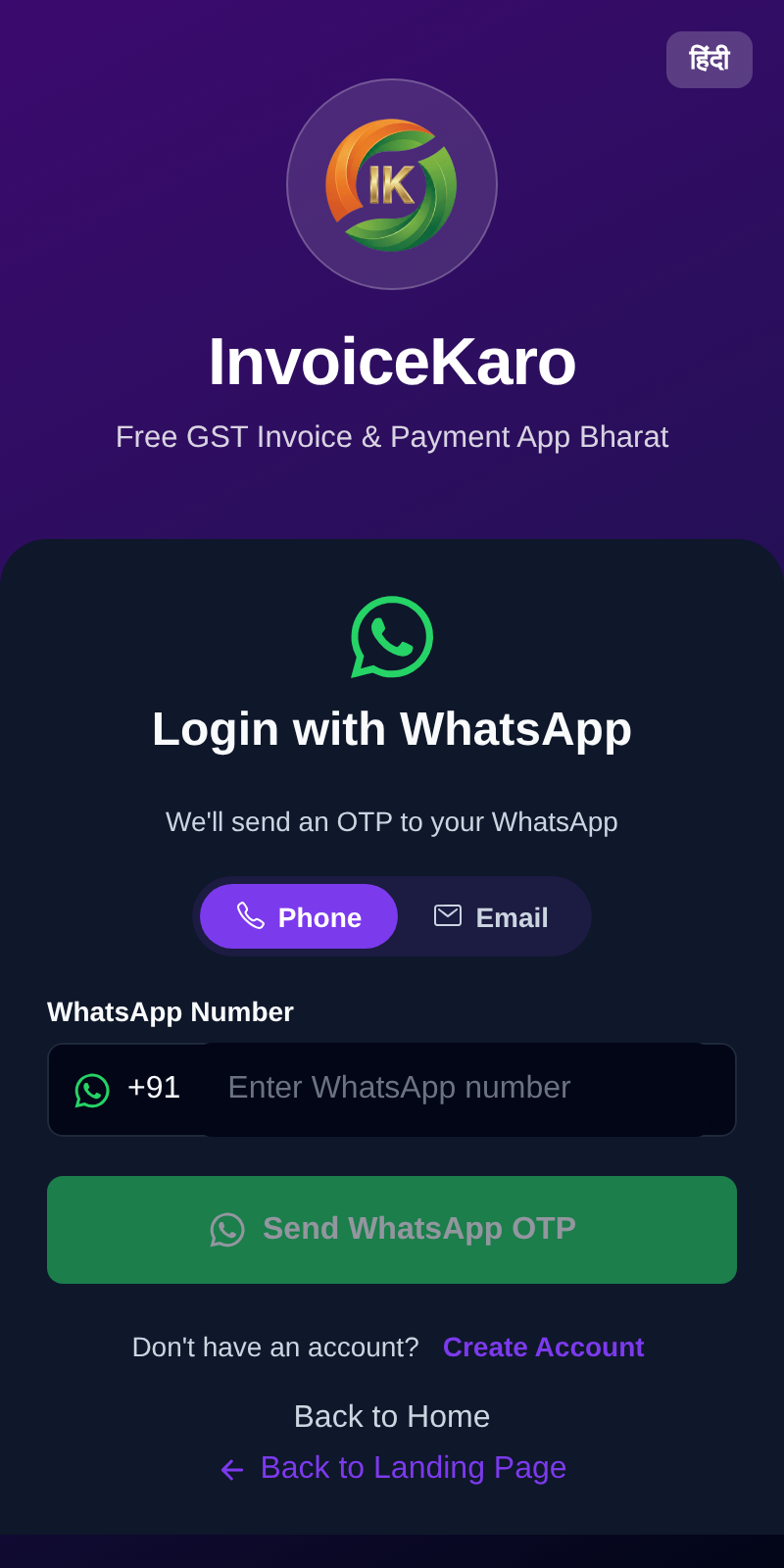
To sign in later, tap Login and pick the method you registered with. For a phone, enter your WhatsApp number and tap Send WhatsApp OTP. For email, enter your address and tap Email me a code. Enter the code and tap Verify & Login. There's no password to reset.